 frontdesq
iPhone call screening: is it enough for your business?
Apple built call screening into the iPhone, and for some sole traders it might honestly be enough. An honest look at what it does and where it stops.
What is call screening?
Your phone can now screen calls for you. On newer iPhones, call screening answers an unknown number silently, asks the caller who they are and why they're calling, and shows the answer as text on your screen before your phone even rings. There's also Live Voicemail, which lets you read a voicemail as someone's leaving it, in real time.
We sell an AI answering service, so you'd expect us to talk this feature down. We're not going to. iPhone call screening is genuinely good, and for some businesses it might be all they ever need. The real question isn't whether it works. It's who it works for, and where it runs out of road.
Where it actually shines
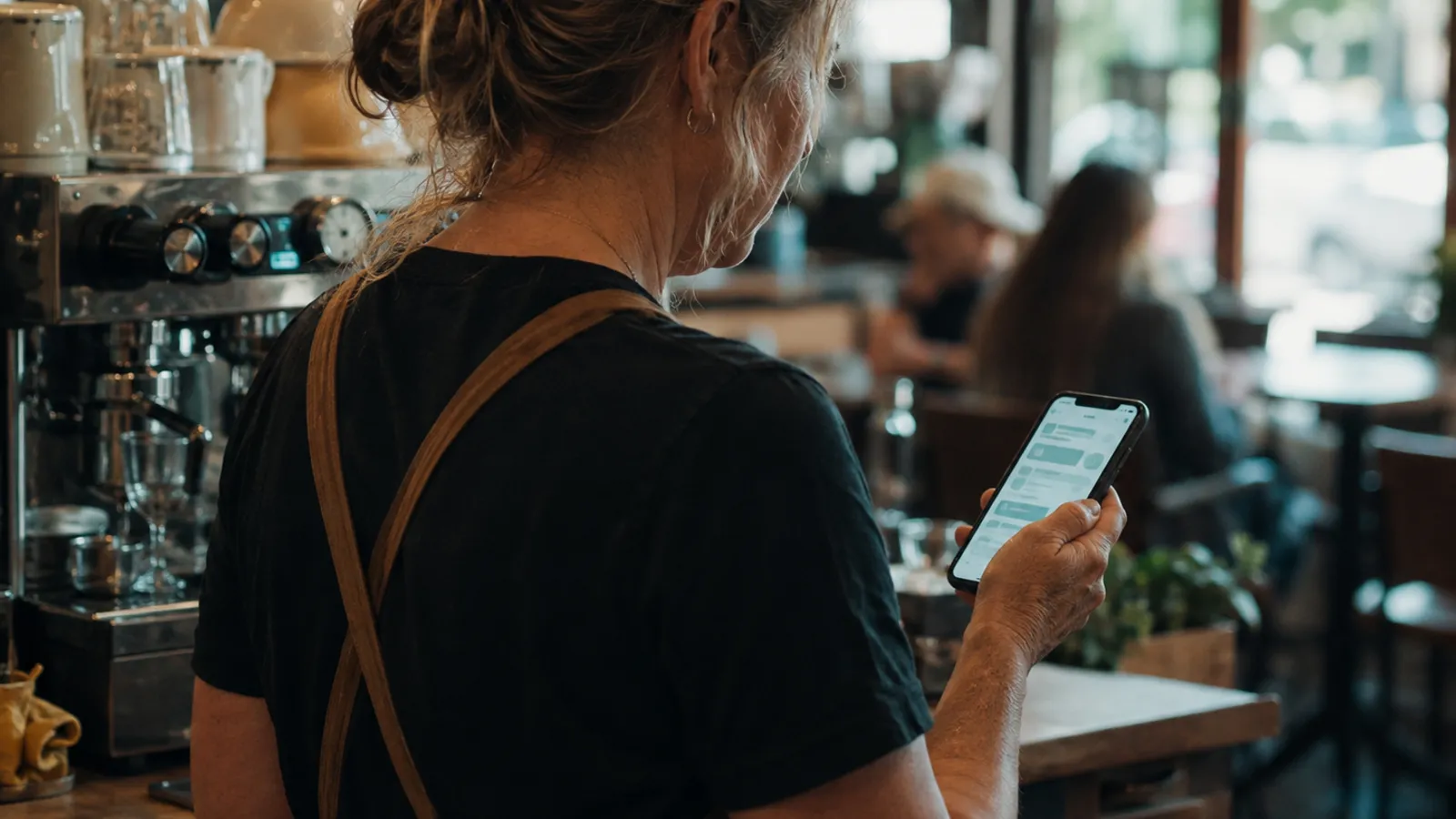
If you're running the business solo, the way your iPhone screens unknown callers solves real problems, and it costs you nothing extra. Spam and robocalls get filtered out before they ever reach you. When your hands are full, up a ladder, under a house, halfway through a job, you can just glance at your screen and see who wants what and why. One electrician told us it's the first phone feature that's actually useful while he's crawling around in a roof cavity. Fair call.
It also beats old-school voicemail hands down. A lot of callers won't bother leaving a message, but they will answer a quick question about why they're calling. Add Live Voicemail into the mix, and even the ones who do leave a message show up as readable text you can glance at on the job. You get an actual reason for the call instead of a hang-up.
Where it stops helping
The limits here aren't bugs. They're just what happens when screening and answering are two different jobs.
The caller still hasn't reached anyone. Screening asks why they're calling, then makes them wait for you. If you're on the tools for the next two hours, they've waited for nothing. A lot of callers won't wait; they'll just ring the next business on the list. An answering service picks up and deals with the call there and then.
Nothing gets booked. Screening leaves you with a message. The callback, the back-and-forth about times, the confirmation, that's all still on your plate. A service that books appointments actually finishes the job. With frontdesq, for example, bookings land straight in your calendar on Growth plans and up.
It answers like a phone, not like your business. There's no greeting in your business's name, no answers to the questions people always ask, no sense that they've reached a real company.
It only covers one handset. Call screening protects a phone, not a phone line. If you've got a team, an office number, or anyone on Android, none of that is covered.
It sleeps when your phone does. Dead battery, no signal in the roof cavity, phone left on the ute seat: screening goes down with it. An answering service picks up regardless of whether your handset is reachable.
Turning it on, and why some people turn it back off
You'll find the settings in the Phone app, and Apple's guide to managing unknown callers walks through the exact steps. You can choose to have unknown calls ring normally, get screened, or go straight to silence.
Plenty of people end up searching for how to turn off call screening again later. The usual complaint: it just swaps one interruption for another. Instead of answering calls, you're now reading screening messages and deciding which ones need a callback. Screening still leaves every decision, and every callback, sitting with you. Answering takes it off your plate entirely.
The honest test
Ask yourself two things. Do your callers need more than "leave your details and I'll ring you back"? And does anyone besides you answer the phone?
If it's no to both, you're a sole operator and your callers are patient people. Turn screening on, keep your money, and get back to work. Plenty of businesses genuinely sit right there, and we'd rather tell you that than sell you something you don't need.
But if callers expect their questions answered and jobs actually booked, if you get real enquiries after hours, or if more than one calendar's in play, screening stops being enough. Filtering calls isn't the same as answering them. That's the point where ai call screening gives way to a proper AI answering service: one that answers in your business's name, handles the common questions, takes down details, and texts you the summary. Our guide on how an answering service works covers the whole flow. Or if you'd rather just hear it, the demo on our homepage will ring your phone within 30 seconds.